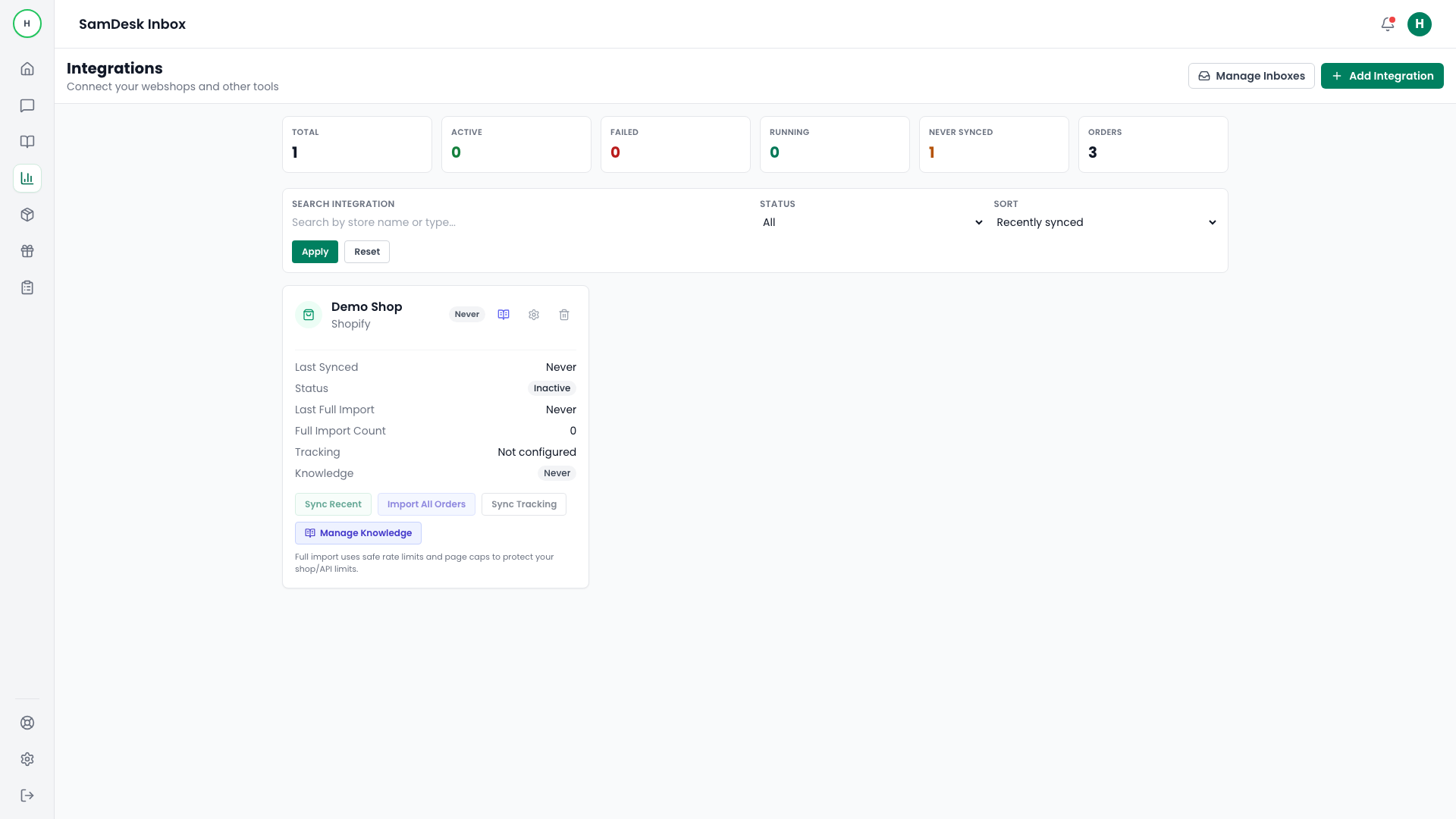
Integrations
Sync Recent vs Import All Orders
Choose the correct sync mode for validation, rollout, and recovery scenarios.
Samdesk execution pattern
Use this checklist for consistent case execution:
- Define owner and expected outcome before taking action.
- Work in fixed sequence: triage -> action -> validation -> follow-up.
- Log key decisions briefly so handoffs and escalations stay clean.
Use Sync Recent when
- Running daily updates.
- Verifying config changes quickly.
Use Import All Orders when
- Launching with historical coverage.
- Recovering after longer sync interruptions.
Recommendation
Always start with Sync Recent, then schedule full import during lower-traffic windows.