Introduction
Introduction & documentation structure
Starting point for teams that want to operationalize Samdesk without fragmented internal docs.
Samdesk execution pattern
Use this checklist for consistent case execution:
- Define owner and expected outcome before taking action.
- Work in fixed sequence: triage -> action -> validation -> follow-up.
- Log key decisions briefly so handoffs and escalations stay clean.
Why this help center exists
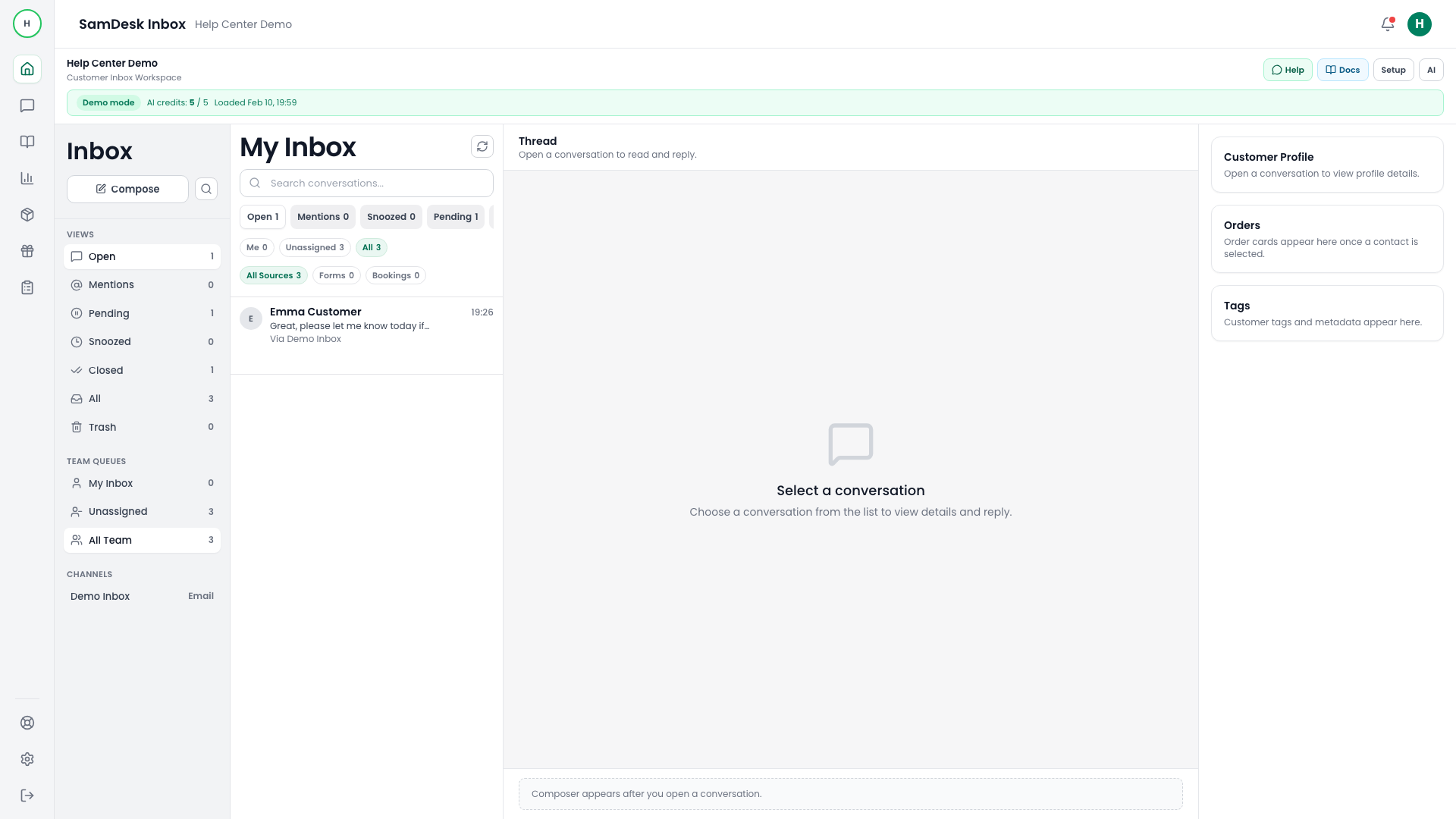
Samdesk includes multiple operational layers: inbox, ticketing, AI, knowledge, and integrations. This documentation follows the exact product flow so new team members can execute independently.
How to pick the right guide
- Start in
Getting Startedfor new workspaces. - Use
ConversationsandTicketingfor daily operations. - Use
Knowledge WorkspaceandAI Assistantwhen scaling quality and speed.
Use this as your team standard
- Keep one source of truth per workflow.
- Link internal SOPs to the relevant help center URL.
- Update this doc set instead of keeping parallel docs.
Outcome check
After this structure, a new agent should be able to:
- use inbox filters and statuses correctly,
- create and follow up tickets,
- use AI drafts with quality control.