Feature
AI draft replies that actually speed up support teams
SamDesk helps agents produce relevant draft replies grounded in conversation history, customer context, and approved knowledge.
This page is aimed at non-technical support leaders who need to evaluate practical outcomes, not just AI hype.
- Faster first response time without sacrificing quality.
- More consistent tone across agents and shifts.
- More agent focus on complex cases instead of repetitive writing.
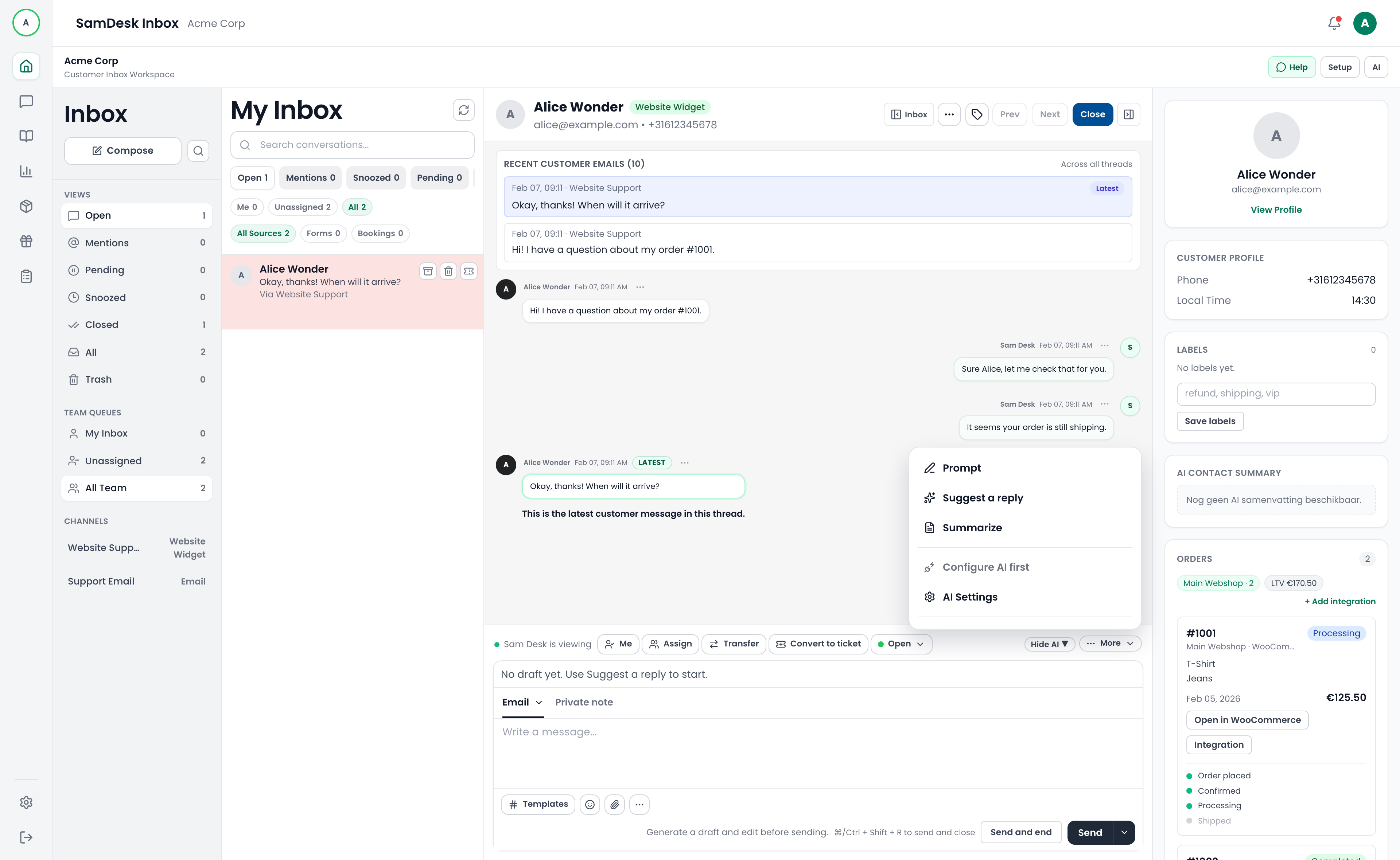
Video: how AI draft replies work in SamDesk
This short demo shows how SamDesk inserts AI drafts directly into agent workflow so teams can reply faster and more consistently.
What this demo covers
- How agents get a useful first draft in seconds with relevant context.
- How teams review tone and content before sending.
- How replies stay aligned across agents and shifts.
Best fit by business type
High-volume support teams
Use AI drafts to handle peak ticket periods without burning out your support team.
Multilingual support operations
Combine draft generation with translation for faster replies in customer-preferred languages.
Quality-first brands
Use feedback loops to align AI output with your support standards and brand voice.
How it works in practice
1) Load context
SamDesk pulls conversation context, customer data, and relevant approved knowledge.
2) Generate draft
Agents receive a practical response draft with tone and actionable next steps.
3) Review and send
Edit where needed, approve, and send. Feedback improves draft quality over time.
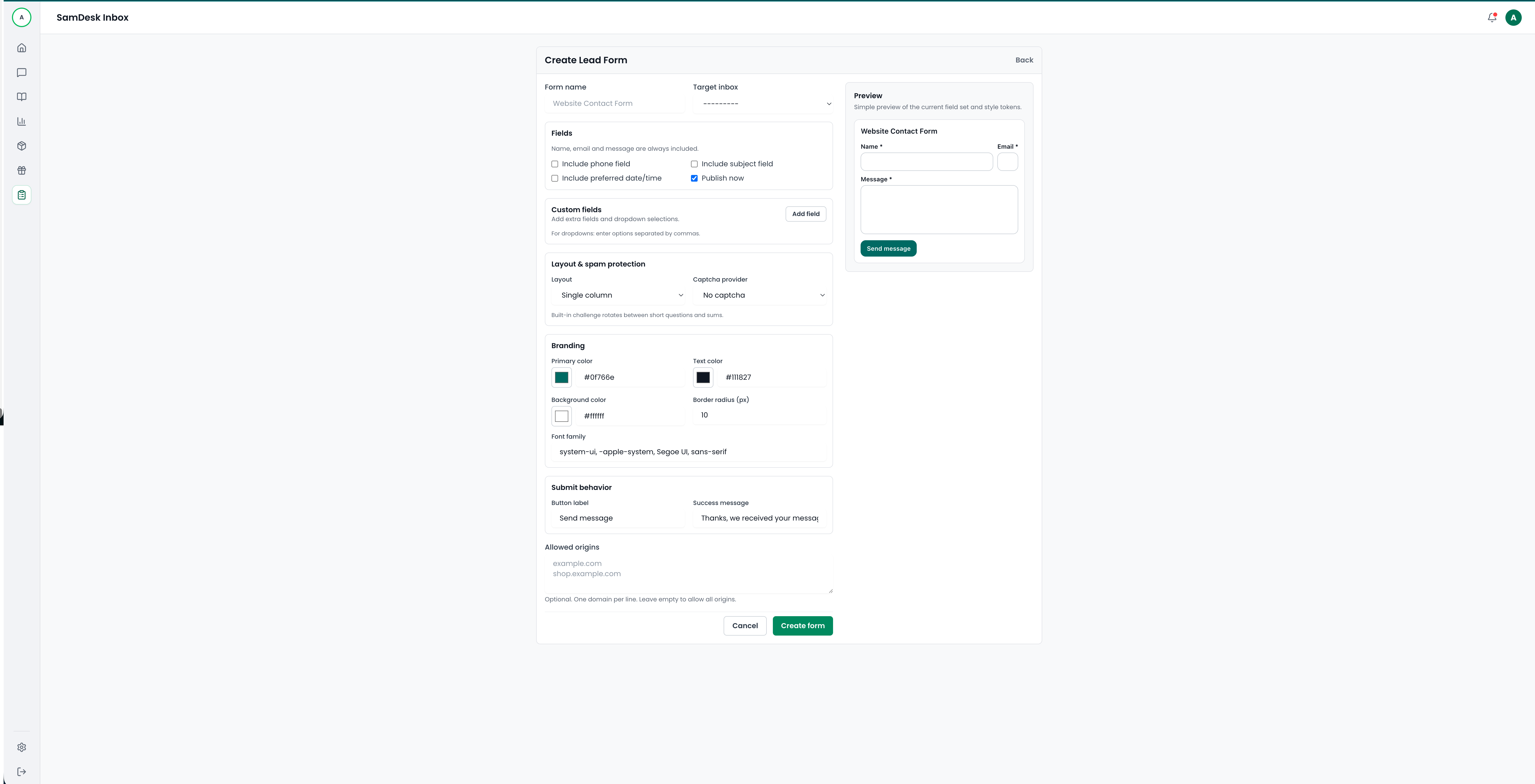
SamDesk lead and contact form builder with live preview and brand styling options
Expected support KPI impact
Lower first response time
Agents begin with relevant draft content instead of writing every reply from scratch.
Higher reply consistency
Drafts improve alignment in tone, policy references, and answer quality.
Better expert allocation
Routine replies take less effort so senior agents can focus on escalations.
Examples from real support workflows
Example: refund delay
AI suggests an empathetic, clear response with expected processing timeline.
Example: pre-sale product question
Agent gets a draft with relevant product context and a conversion-oriented next step.
Example: policy clarification
Draft links to the right policy points so answers stay consistent across agents.
Implementation checklist
- ✓ Define which ticket categories should use AI drafts first.
- ✓ Document tone-of-voice and forbidden claim guidelines.
- ✓ Train agents to review and improve drafts before sending.
- ✓ Track CSAT and reopen rate by AI-assisted reply type.
- ✓ Use feedback loops to continuously improve draft quality.
Frequently asked questions
Does this replace support agents?
No. It removes repetitive writing so agents can focus on judgment-heavy conversations.
Can agents edit drafts before sending?
Yes. Agents can edit, approve, reject, or regenerate each draft.
Does quality improve over time?
Yes. Feedback and usage signals continuously improve relevance and consistency.
