Support lead teams
Manage workload with status filters, assignee views, and priority-driven execution.
Feature
Turn conversations into trackable tickets with clear ownership and status progression so cases do not fall between inbox and team handoffs.
This page is grounded in the real ticket module from the codebase: status flows, assignment, labels, comments, events, and conversation-to-ticket conversion.
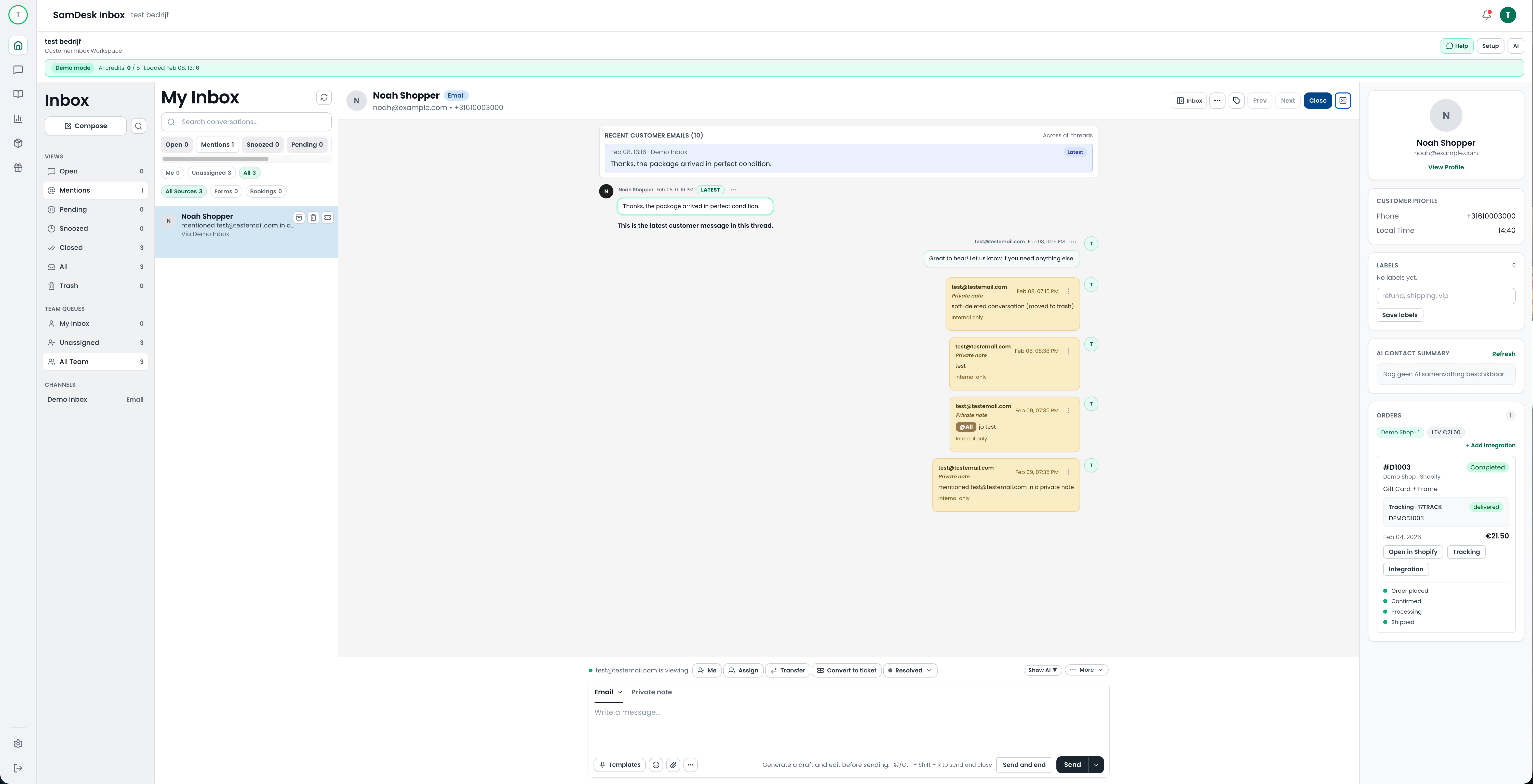
Manage workload with status filters, assignee views, and priority-driven execution.
Prevent important cases from getting lost during peak periods and shift changes.
Keep escalations clean with one trackable ticket path per issue.
Convert or link conversation context directly into a ticket.
Assign owner, set priority, and move through the status lifecycle.
Use comments, events, and checklist controls for reliable closure.
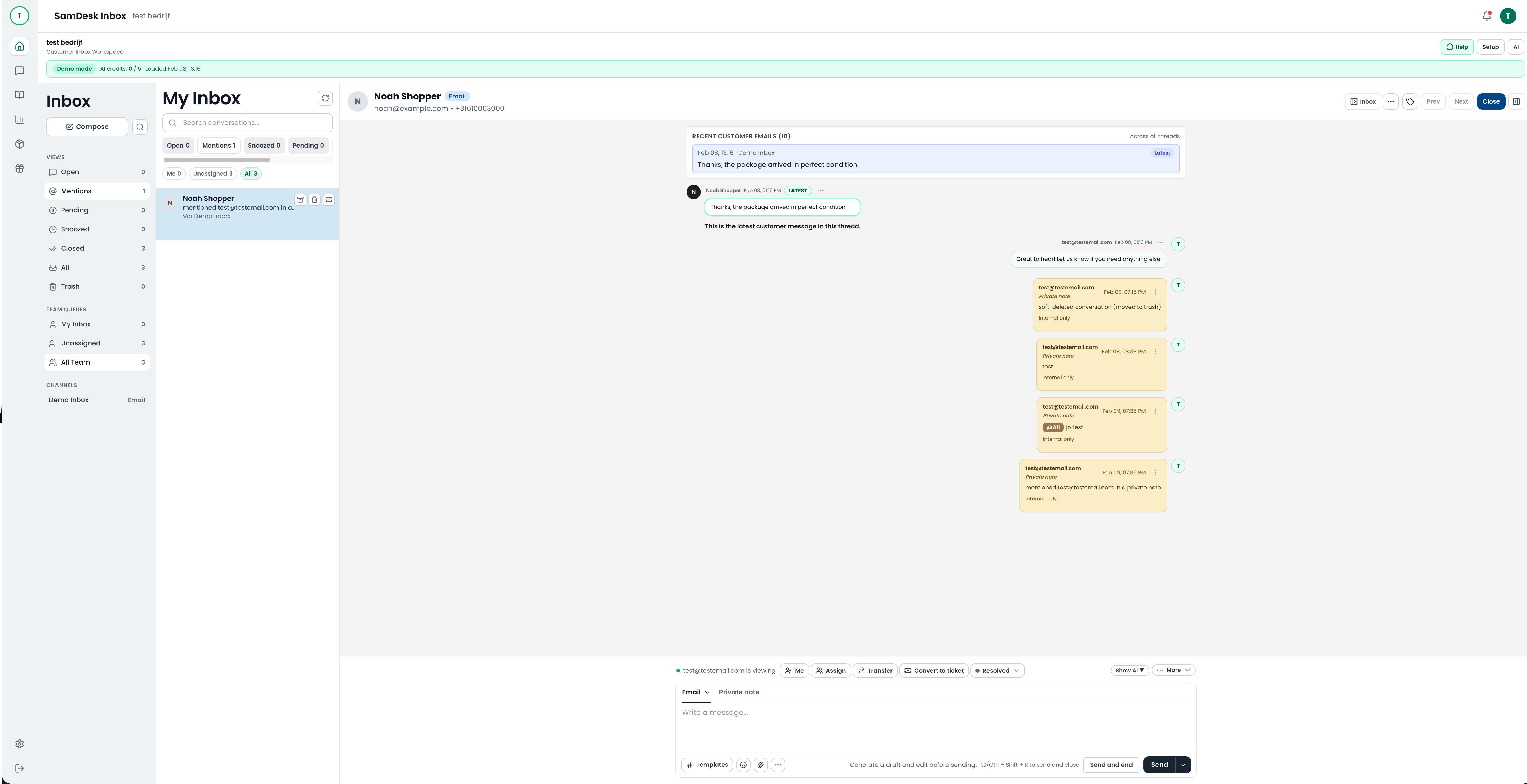
SamDesk ticket and thread workflow with support context
Overdue and status visibility surfaces stuck tickets faster.
Clear ownership and workflow reduce handoff delays.
Consistent status and follow-up structure reduces dropped tickets.
Ticket gets assigned, labeled, and closed on time with full activity trace.
Ownership transfer stays clean because conversation and ticket history remain linked.
Waiting-customer status prevents noisy follow-up and keeps backlog clean.
Yes, conversations can be converted or linked to existing tickets directly from workflow actions.
Yes, teams can filter by assignee and status to manage ownership clearly.
Yes, comments and events help teams track follow-up and decisions.
Ticket workflows are one piece. To cover broader queries like help desk, support desk, and ticketing systems, see our pillar pages.

Want to connect SamDesk to your workflows and launch faster with your team? Book a call or watch practical product walkthroughs on our YouTube channel.